



The motive behind writing this blog is to offer aspiring designers a clear, structured roadmap for entering the field. Many freshers feel overwhelmed by the wide range of skills, tools, and practices involved in UI/UX design, so this guide breaks the process down into actionable steps.
Whether you’re a recent graduate or making a career switch, this guide provides a straightforward path to navigating the world of user interface and user experience design.
Step 1: Understand the Basics of UI/UX Design
Before diving into the practical aspects, it’s crucial to understand what UI (User Interface) and UX (User Experience) design entail.
-
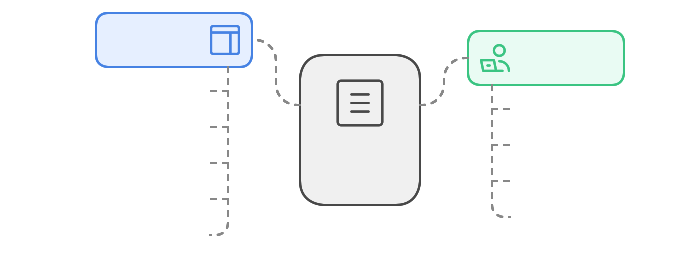
UI Design focuses on the visual aspects of a product, including layout, colors, typography, and interactive elements.
-
UX Design is concerned with the overall experience a user has with a product, emphasizing usability, accessibility, and user satisfaction.
Familiarize yourself with key concepts, terminologies, and the importance of user-centered design.
Step 2: Learn the Necessary Skills
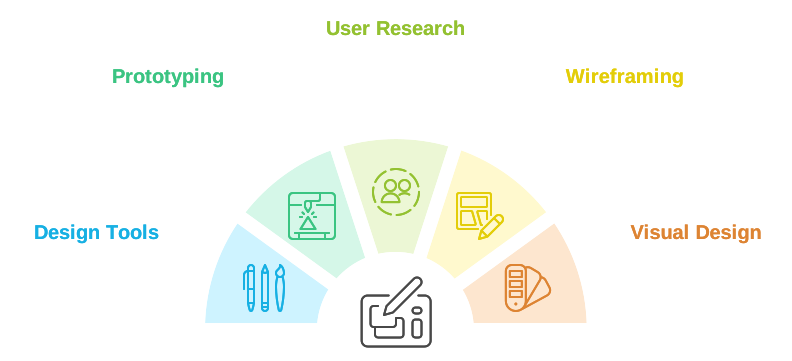
To become a proficient UI/UX designer, you need to develop a range of skills:
-
Design Tools: Get comfortable with design software such as Adobe XD, Sketch, Figma, and InVision.
-
Prototyping: Learn how to create interactive prototypes to visualize your designs.
-
User Research: Understand how to conduct user interviews, surveys, and usability testing.
-
Wireframing: Practice creating wireframes to outline the structure of your designs.
-
Visual Design: Develop an eye for aesthetics, including color theory, typography, and layout principles.
Step 3: Follow a Design Thinking Process
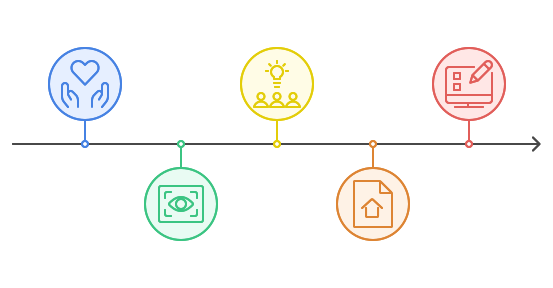
The Design Thinking process typically involves five key steps:
-
Empathize: Deeply understand the user’s needs, motivations, and challenges through interviews, observations, and research.
-
Define: Synthesize your insights to clearly define the core problem or need you’re addressing for the user.
-
Ideate: Brainstorm a wide range of creative solutions without constraints, encouraging open-minded exploration.
-
Prototype: Build simple, tangible representations of your ideas to quickly test and explore concepts.
-
Test: Gather user feedback on your prototypes, refining your solutions based on real user input and iterating as needed.
Step 4: Work on Personal Projects
-
Start with simple projects, like designing a landing page, a blog, or a basic mobile app.
-
Redesign popular apps or websites to showcase your creativity and style.
-
Include each stage of the process, from wireframes to high-fidelity mockups and prototypes, in your projects.
Detailed steps on how to work on personal projects and build your portfolio can be found here.
Step 5: Build a Strong Portfolio
A well-crafted portfolio builds trust and credibility, giving you a competitive edge in the industry.
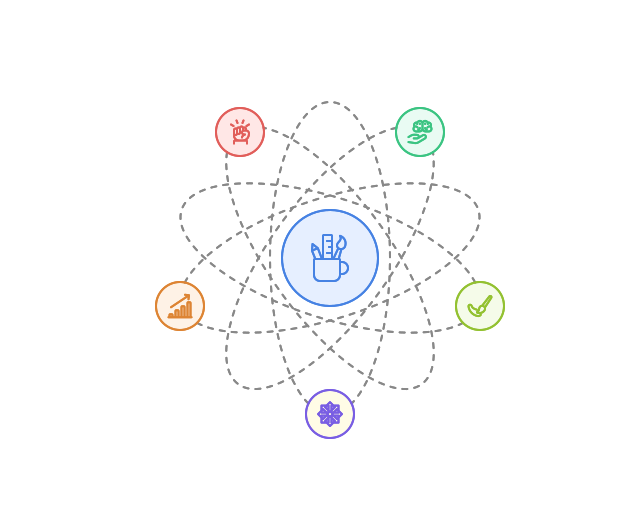
Creating a strong portfolio is a crucial step for any aspiring UI/UX designer, as it showcases your skills, thought process, and adaptability to potential employers or clients.
- Start by choosing platforms like Behance, Dribbble, or even a personal website, where you can visually present your projects and reach a wider audience.
- Each project in your portfolio should include a comprehensive case study that explains your design process—from initial research and defining user needs to wireframing, prototyping, and usability testing.
- Include a range of project types, such as mobile apps, responsive websites, and e-commerce interfaces. This variety helps illustrate your ability to adapt to different design challenges and audiences.
This approach demonstrates not only your technical skills but also your problem-solving abilities and understanding of user-centered design principles.
Step 6: Build Connections, Practice, and Gain Experience
Experience is invaluable in the field of UI/UX design. Consider the following options:
-
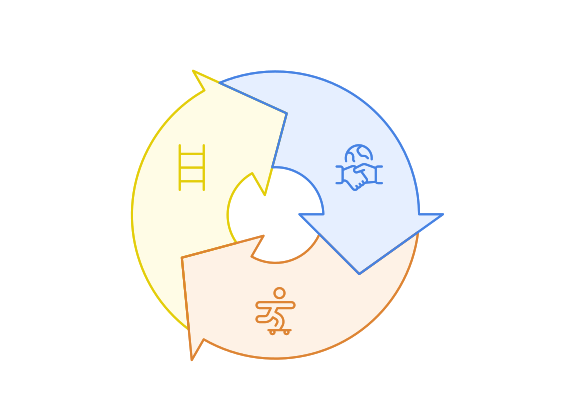
Create a LinkedIn profile to connect with UI/UX designers, join relevant groups, and actively share your work to grow your professional network.
-
Participate in design challenges on platforms like Daily UI or 100 Days of UI to build a regular practice and engage in community feedback on Reddit, Dribbble, and Behance.
-
Apply for internships or take on freelance projects through platforms like Upwork or Toptal to gain practical experience, build your portfolio, and develop confidence through real-world projects.
Step 7: Stay Updated with Industry Trends
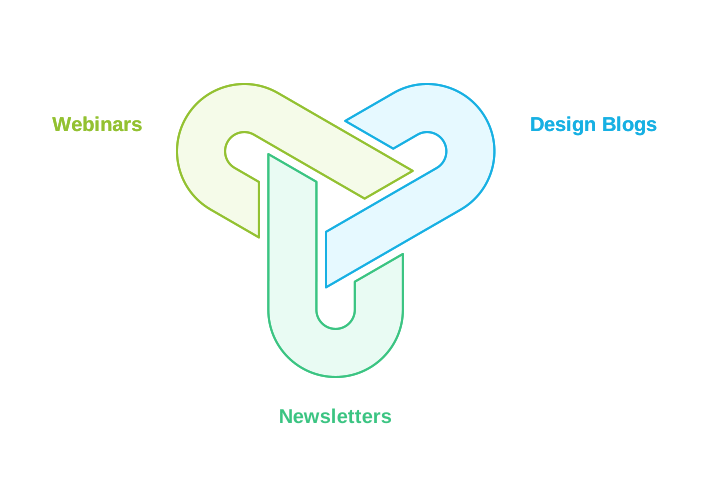
The design field is constantly evolving, so it’s essential to stay informed about the latest trends and technologies. Follow design blogs, subscribe to newsletters, and participate in webinars to keep your knowledge current.
Conclusion
Starting the career as a UI/UX designer can be an exciting journey filled with opportunities for creativity and innovation. By following this step-by-step guide, you can build a solid foundation and develop the skills necessary to succeed in this dynamic field. Remember to be patient, practice consistently, and never stop learning. Good luck on your journey to becoming a UI/UX designer!
Start Your UI/UX Career with PurpleLane
Starting your UX career isn’t as challenging as it seems. With our comprehensive training, hands-on projects, and personalized mentorship, you’ll gain real-world experience and insights from industry experts. Whether you’re just beginning or looking to refine your skills, PurpleLane is here to support you every step of the way. Take the first step towards a fascinating career in UI/UX by joining us today and earn a certification.


